Identify a rock from photos planner
Organize fresh surface, texture, color, grain, location, and scale photos before you identify a rock from photos.
Try toolRock identification app by fbappstudio
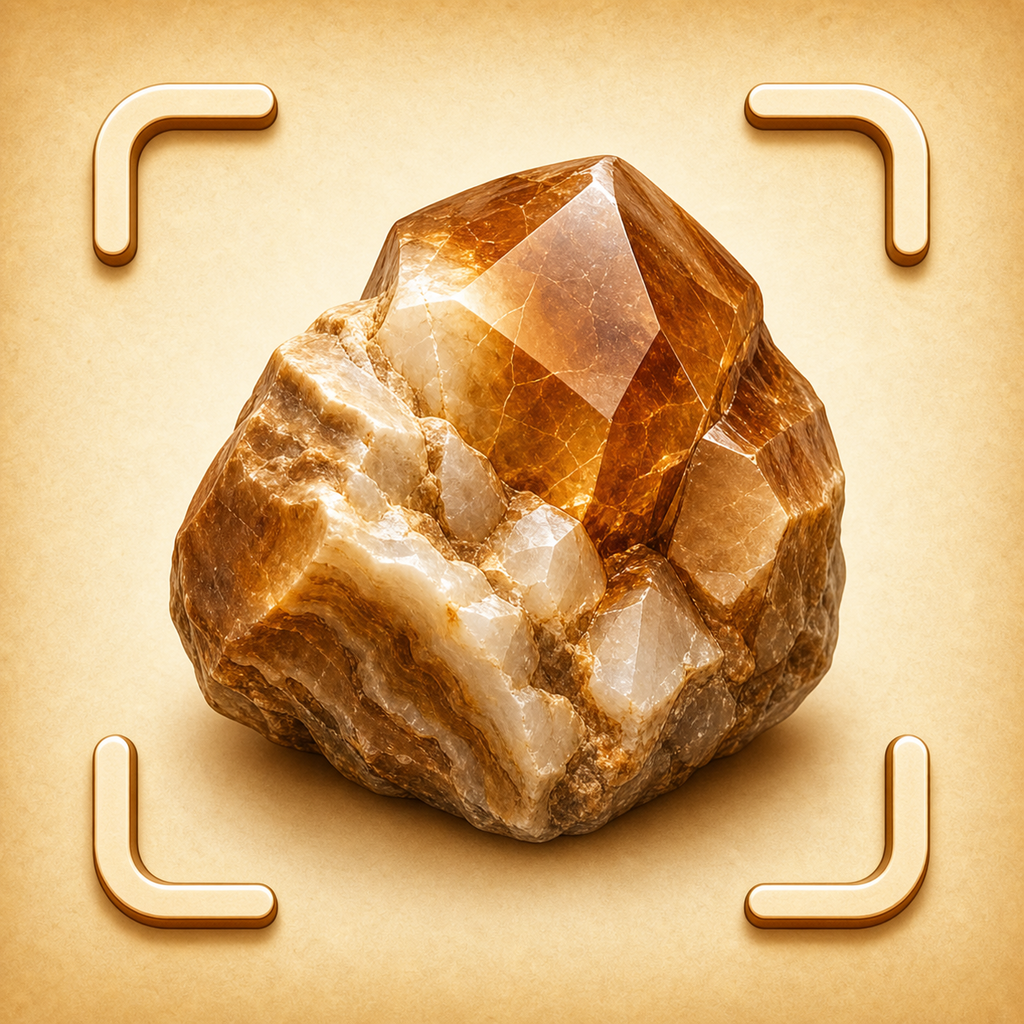
Rockify helps rock collectors, hikers, students, and geology beginners identify a rock from photos, then learn likely rock or mineral traits before deeper field research.
Free web tools
Start with a quick web version, then use the app when you want saved history and the complete experience.
Organize fresh surface, texture, color, grain, location, and scale photos before you identify a rock from photos.
Try toolCheck whether you have enough context before using a rock identification app.
Try toolUse this quick check to decide whether the next step belongs on the web or inside Rockify.
Try toolBegin with fresh surface, texture, color, grain, location, and scale photos. Rockify uses that context to help you learn likely rock or mineral traits before deeper field research.
Review texture, luster, hardness clues, color, crystal habit, and region before deciding what to do next.
Visual ID is limited; hardness, streak, and expert testing can be needed.
Start with fresh surface, texture, color, grain, location, and scale photos, then use Rockify to learn likely rock or mineral traits before deeper field research.
Review texture, luster, hardness clues, color, crystal habit, and region before accepting the result or deciding on a next step.
Visual ID is limited; hardness, streak, and expert testing can be needed.
Open Rockify when you have fresh surface, texture, color, grain, location, and scale photos. Better context helps the app guide the first step clearly.
Use texture, luster, hardness clues, color, crystal habit, and region to decide whether the result is strong enough for your situation.
Keep notes, screenshots, or history when the result may need a second look later.
Visual ID is limited; hardness, streak, and expert testing can be needed. Rockify helps organize the workflow, but high-stakes decisions still deserve expert review.
Rockify is a rock identification app for rock collectors, hikers, students, and geology beginners.
No public store link is listed yet. Check this official website for release and availability updates.
Visit the support page or email support@fbappstudio.com.
Learn how to spot hidden crystals, understand geological indicators, and use field tests to identify raw stones in the wild.
Learn how to decode the history of water-worn stones using geological principles and modern AI tools.
A practical first-session walkthrough for rock collectors, hikers, students, and geology beginners.
Use the official store links to check current availability for your device and country.